
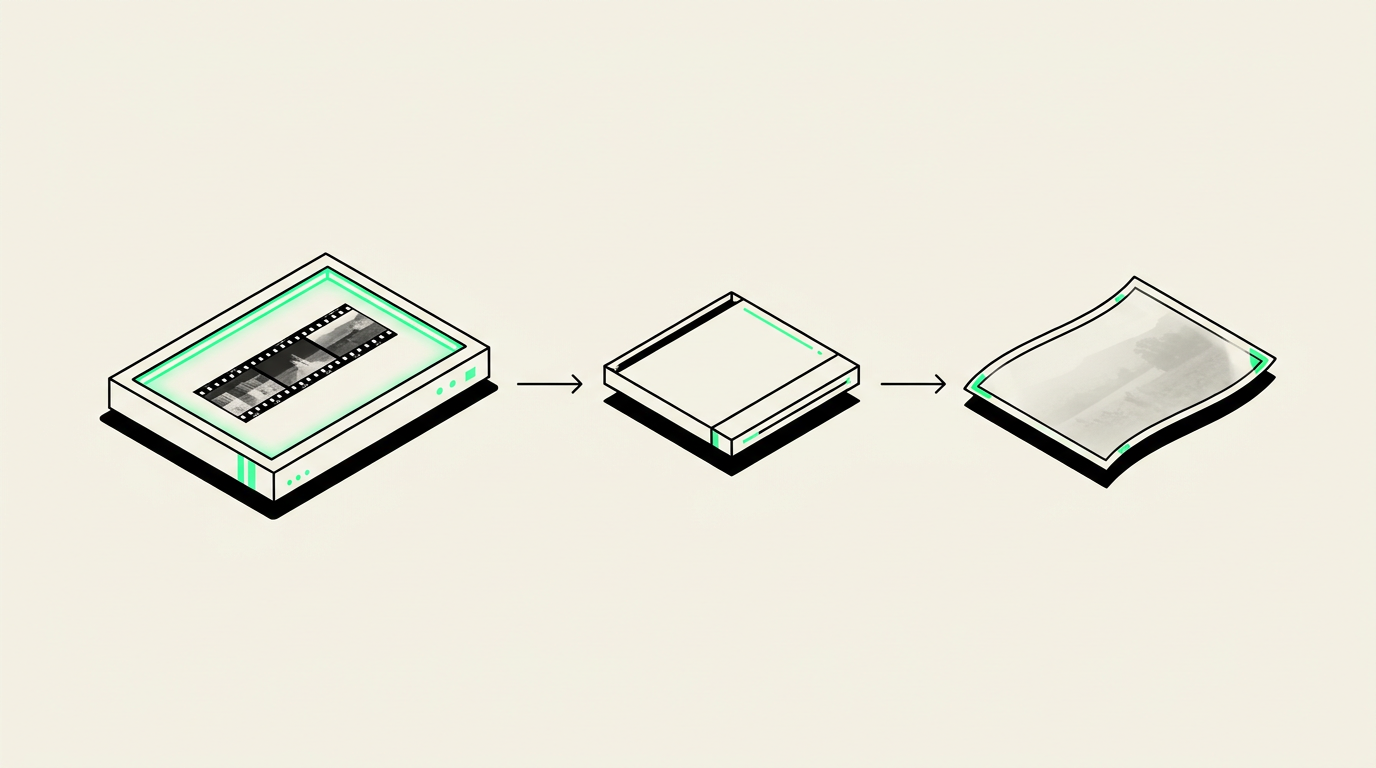
If you have both, start with the negatives when they are clean, reasonably well preserved, and match the pictures you want: they often hold more detail than small photo prints. Choose the print when the negative is missing, damaged, or does not capture the version you remember. For especially meaningful pictures, digitizing both can preserve the image and the history attached to it.
Why negatives often make the better starting point
A photographic negative is usually closer to the original camera image than a print made from it. Printing adds another step that can lose fine detail, crop the edges, or change brightness and color. A good negative scan may reveal texture in clothing, detail in faces, or scenery that is hard to see in a small print.
That advantage matters when you want to enlarge a favorite photograph. A sharp 35mm negative generally offers more room for enlargement than a scan of its matching 3-by-5-inch print. However, scanning cannot recover detail that the camera never recorded: missed focus, motion blur, and heavy underexposure still limit the result.
The source’s condition matters more than its label. A scratched or badly deteriorated negative may produce a less pleasing result than a clean print stored safely in an album.
When the print deserves priority
The print may be the only surviving record of how a picture was intended to look. A photographer or lab might have adjusted its color, lightened a face, or cropped out a distracting background. Scanning the negative does not automatically reproduce those decisions.
- Finished portraits: A studio print may contain retouching or other changes absent from the negative.
- Hand-colored photographs: The added color exists on the physical print, not in the original black-and-white negative.
- Meaningful cropping: The familiar framed picture may show only part of the original camera frame.
- Writing and context: Names, dates, and notes on the back can be as valuable as the photograph itself.
- Instant photographs: Many common instant photos have no separate negative available, so the print is the source.
If a print has handwriting on its back, ask about scanning both sides. Keep that request distinct from scanning both the print and its negative: these preserve different kinds of information.
How to compare a print with its negative
Match the scene before choosing
Use a cool LED light box and a magnifier to inspect negatives while holding them by their edges. Look for distinctive clothing, furniture, or landmarks rather than relying on an envelope alone. One lab envelope can contain several strips, and old family collections sometimes contain mismatched prints.
Do not assume adjacent frames are duplicates. They may show slightly different expressions or a person entering the scene. Frame numbers can help you keep track, but they are not reliable dates or unique identifiers across multiple rolls.
Check condition without trying to repair it
Look for obvious scratches, stuck sleeves, discoloration, and cracked or brittle material. Do not pull a negative from a sleeve if it resists, scrub its surface, or use household glass cleaner. Leave curled prints and tightly curled film alone rather than flattening them with force or heat.
In Phoenix and the East Valley, a collection kept in a hot garage deserves a careful check, but heat exposure alone does not tell you which source will scan better. Compare the actual materials.
Ask about a small comparison first
If you have hundreds of matching prints and negatives, ask whether a small paid comparison is possible before authorizing duplicate scans throughout the collection. Pick a few representative pictures: a face, an outdoor scene, and a darker indoor photograph. Explain whether your goal is phone viewing, a family book, or a large display print.
Resolution numbers do not tell the whole story
A negative is much smaller than its matching print, so it needs a higher scanning resolution to produce a similar number of pixels. For example, a 4-by-6-inch print scanned at 600 pixels per inch produces about 2400 by 3600 pixels. A full 35mm frame scanned at roughly 2500 pixels per inch produces approximately comparable dimensions.
Those numbers illustrate size, not equal image quality or a guaranteed service setting. Focus, film grain, scanner performance, and color handling all affect the result. Color negatives also need their orange mask handled correctly during conversion; simply reversing the colors is not enough for a natural-looking image.
A practical choice for your family collection
Use negatives for most matching everyday photographs when their condition is good. Add selected prints when they contain important edits, notes, or a distinctive appearance. If you also have mounted 35mm slides, treat them as separate originals: slides are positive transparencies, not negatives, and a matching paper print may lose some of their detail.
Phoenix Scanning handles photos, prints, negatives, and 35mm slides; explore the digitizing services or start a quote with approximate quantities and your intended use. Drop-off and local pickup are available in Chandler, AZ 85224, and mail-in customers anywhere in the US receive free prepaid shipping labels. For questions before bringing in your collection, call (480) 272-2447, Monday through Friday, 9am–5pm.
Common questions
Are negatives always better than prints for scanning?
No. Well-preserved negatives often contain more detail, but a clean print can be the better source when its negative is damaged or when the print includes meaningful retouching or cropping.
Should I scan both the print and the negative?
Usually only for selected pictures. Scan both when the print preserves important edits, a distinctive appearance, or physical history that the negative does not contain.
Can a negative scan show more of the picture than the print?
Often, yes, if the print was cropped. Ask about capturing the full image area when preserving the edges matters to you.
Should I remove negatives from old sleeves before drop-off?
Not if they are stuck, brittle, or difficult to handle. Keep strips together in their existing order and ask for handling guidance before removing fragile material.