
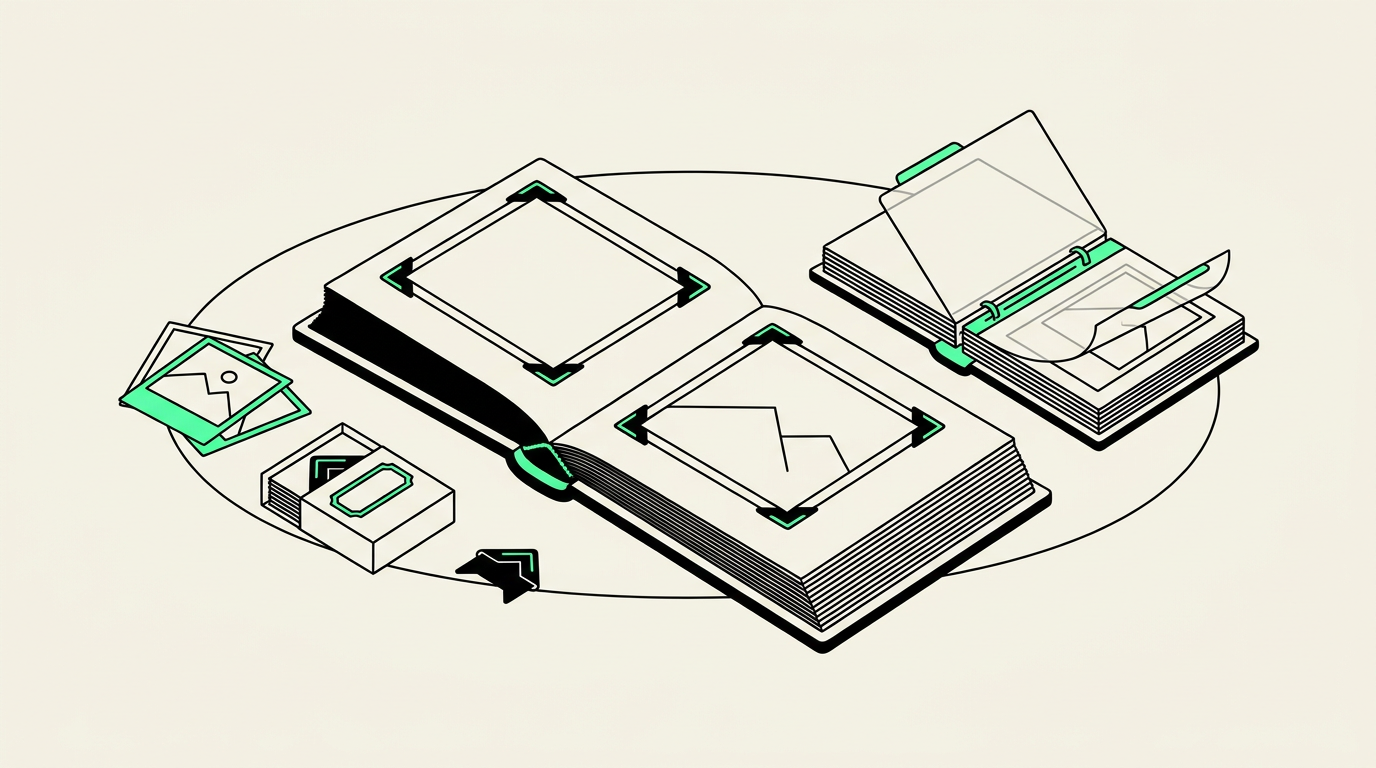
Yes—many old photo albums can be digitized without removing the pictures, using equipment that captures the pages while supporting the binding. Whether that is the best approach depends on the album’s condition, how the photos are attached, and whether you want individual images, complete pages, or both.
Start with the album, not the scanner
An album preserves more than photographs. Handwritten names, page order, ticket stubs, and the way someone grouped pictures can explain a family story that loose image files would miss. Before taking anything apart, decide which of those details you want to keep.
For a family album that opens comfortably, intact-page capture may be practical. A tightly bound scrapbook, curled page, or reflective plastic covering presents different challenges. Do not press a fragile album flat just to make it fit a scanner. Ask the digitizing provider how they would support it and whether their equipment can accommodate its size.
The attachment method determines what is safe
Photos held by corner mounts
These prints may be removable if the corners and paper remain flexible. However, a photograph can stick to the backing or catch on a brittle mount. If it does not slide out with minimal handling, leave it in place. Photograph the complete page before removing anything so its arrangement and captions are not lost.
Self-adhesive or “magnetic” albums
These usually have striped adhesive pages beneath a clear plastic sheet. Despite the name, they do not use magnets. Aging adhesive can bond strongly to prints, while the covering may become brittle or stick to the image surface.
Do not peel a resistant photograph away or try household solvents, heat, or dental floss as a shortcut. Those methods can tear paper or disturb the image layer. If the covering resists lifting, stop and ask about capturing the page as it is. Glare or discoloration may remain, but that is preferable to damaging the original.
Slip-in pocket albums
Prints in clean, flexible sleeves often slide out easily, allowing individual scanning without reflections from the plastic. Stop if a print sticks, the sleeve cracks, or the image surface appears to lift. Small caption cards should stay associated with their corresponding pictures.
Glued scrapbooks and fragile pages
For glued photographs, black-paper albums, and pages with newspaper clippings or raised decorations, supported overhead photography may be safer than flatbed scanning. Confirm that the provider offers this approach before bringing the album. A conservator is the better starting point when pages crumble or photographs are actively flaking.
Choose full pages, individual photos, or both
The most useful result often combines a record of the album with convenient copies of each photograph. Ask what is included rather than assuming every picture will be separated automatically.
- Full-page images preserve captions, layout, and relationships between pictures.
- Individual photo files are easier to share, place in slideshows, and use for reprints.
- Both versions let you browse the album while keeping favorite pictures accessible.
A crop from a page image is not necessarily equivalent to a separate scan of the print. A small snapshot occupying one corner of a large page receives only part of the page image’s total pixels. If you hope to enlarge a tiny portrait, ask whether the capture will provide enough detail for that specific use.
Captions can be preserved as page images, but that does not automatically make the handwriting searchable. Transcription and individual cropping may be separate tasks; clarify them when requesting a quote.
Check for other photo formats tucked inside
Albums sometimes contain negative envelopes, mounted 35mm slides, or instant photographs. Mention these separately because they need different handling.
- Negatives and 35mm slides: These need transmitted-light scanning, not the reflected-light capture used for paper pages. Leave unidentified strips in their protective sleeves and ask about scanning them separately.
- Instant photographs: Treat these as complete objects. Do not peel them apart, cut their borders, or try to separate their layers.
- Foldouts and oversized prints: Note their dimensions and whether they unfold freely. Do not force a stiff fold open.
Phoenix Scanning handles photos and prints, 35mm slides, and negatives. Review the digitizing services to identify what you have, then confirm the handling options for your particular album before transport.
What to ask before dropping off an album
For a useful estimate, provide the album’s approximate dimensions, page count, typical photos per page, and attachment method. A few phone pictures of the cover, an open spread, and any problem areas can help explain the project. Mention whether pages can turn safely and whether the album opens without pressure.
Ask whether pricing covers whole pages, individual pictures, or both, and whether anything would need to be removed. Make your preference clear if the album must remain intact.
Phoenix-area and East Valley customers can arrange drop-off and local pickup in Chandler, AZ 85224. Call (480) 272-2447 Monday–Friday, 9am–5pm, or start with the quote builder. Free prepaid shipping labels are available for mail-in customers nationwide; confirm album suitability before packing a fragile original.
Common questions
Should I remove photos from a magnetic album?
Not if they resist lifting or appear bonded to the page. Leave them attached and ask about intact-page capture or advice from a photograph conservator.
Can you digitize an album through its plastic covers?
It may be possible, but plastic can introduce glare, reflections, and reduced clarity. Confirm the provider’s equipment and handling approach before submitting the album.
Will handwritten captions be saved?
Full-page images can preserve visible captions alongside the pictures. Request page images explicitly, because individual photo crops may omit the surrounding writing.
Can I get individual photos without removing them?
Often, individual files can be cropped from a high-quality page capture. Ask whether cropping is included and whether the resulting detail will be sufficient for your intended reprint size.