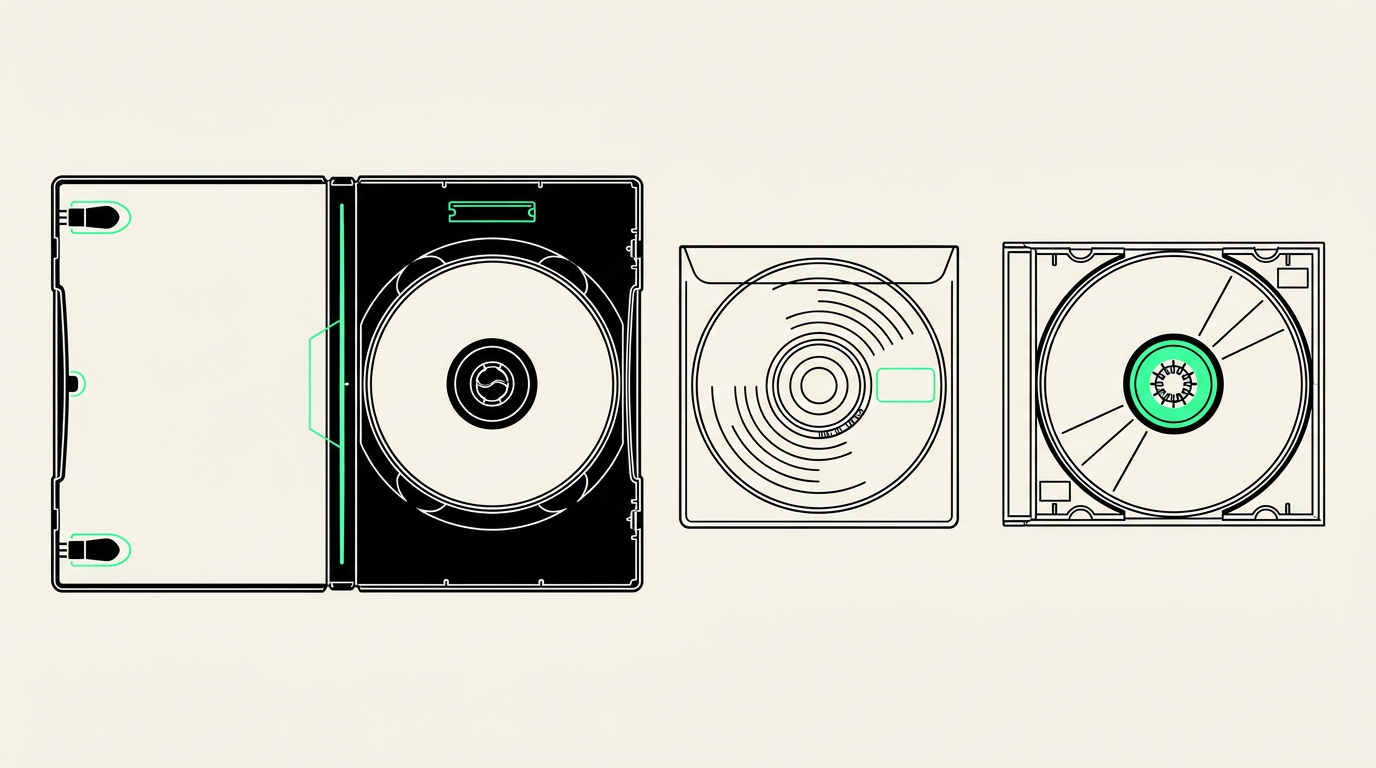
You can convert home DVDs and audio CDs by extracting their recordings into files that play without a disc drive. Phoenix Scanning offers DVD-to-digital and audio-CD-to-digital services in Chandler; before starting, separate video DVDs, audio CDs, and computer-burned data discs because each needs a different transfer approach.
First, figure out what is actually on the disc
A disc’s shape does not tell you what it contains. A DVD might hold a birthday video, hundreds of JPEG photos, or a computer backup. A CD might contain playable audio tracks or a folder of MP3 recordings. Handwritten labels help, but they are not always accurate.
- Video DVD: Usually plays in a DVD player and may open with a menu. On a computer, its video is commonly inside a VIDEO_TS folder.
- Audio CD: Plays as numbered tracks in a conventional CD player. It does not contain ordinary audio files you can simply drag onto your desktop.
- Data disc: Contains files and folders, such as JPG, MP3, WAV, or documents. Readable files can often be copied without converting them.
- Small camcorder DVD: An approximately three-inch disc recorded in a DVD camcorder. Ask about compatibility before including these in an order.
If you cannot identify a disc, leave its label intact and describe what you remember. “Recorded on Dad’s DVD recorder around 2004” is useful information even without a model number.
Home DVDs need more than a simple file copy
A video DVD stores its picture, sound, menus, and navigation in a structure designed for DVD players. Copying one file from that structure may produce only part of a movie or miss other recordings. A proper transfer needs to account for the disc’s separate titles and their audio.
Decide whether your priority is easy viewing or preserving the original disc experience. A widely compatible video file, commonly MP4, is convenient for computers and many TVs. A playable video file generally does not retain clickable DVD menus. If menus or an exact disc copy matter, discuss that separately before work begins.
Flag separate events and recordings
One DVD may contain three Christmas gatherings, a school concert, and an unrelated television recording. Tell the studio whether you want events kept separate, and ask what splitting or labeling is available. DVD chapters are navigation points, not necessarily separate movies.
Also mention if you have the original camcorder tape. A DVD made from VHS, Hi8, or Digital8 is already a compressed copy; transferring the original tape may avoid limitations introduced when the DVD was created. Converting a standard-definition DVD will not recover missing detail or make the source true HD.
Audio CDs require audio extraction
An audio CD needs to be read with software that extracts its tracks into audio files. On some computers, the disc appears to contain tiny CDA entries. Those are references to tracks, not the actual recordings; copying them does not preserve the sound.
For family interviews, recitals, or oral histories, discuss a lossless format such as WAV or FLAC for preservation and MP3 for convenient sharing. Ask which deliverables are available rather than assuming every format is included.
- Keep track order: An interview may continue across several tracks with no obvious break in the conversation.
- Provide track notes: Homemade CDs often have no reliable artist, title, or date information.
- Identify continuous recordings: Mention concerts or interviews where added gaps between tracks would interrupt the listening experience.
- Include case inserts: A handwritten song list or speaker’s name can be more informative than the disc label.
What if a home-recorded DVD will not play?
A disc that fails in one player is not automatically empty or ruined. The player may not support that recording format, the disc may be unreadable, or a recorder-created DVD may never have been finalized.
Finalizing writes information that helps other devices recognize a recorded DVD. For some discs, this requires the original recorder or a compatible model. If you still own the equipment, keep it and its power supply until the disc has been assessed.
Do not format, initialize, or record onto a disc containing wanted memories, even if a device prompts you to do so. Avoid experimenting with finalization settings without checking the equipment manual. An assessment can establish what is readable, but recovery is not guaranteed.
Prepare your discs for a Chandler drop-off or mail-in order
Keep each disc in its own protective case and number the cases rather than adding adhesive labels to the discs. Make a short inventory identifying video DVDs, audio CDs, and anything uncertain. Note known playback problems and any recordings that must stay together.
For Phoenix and East Valley customers, Phoenix Scanning offers drop-off and local pickup in Chandler, AZ 85224. Hours are Monday–Friday, 9am–5pm; call (480) 272-2447 to discuss unusual discs or pickup arrangements. Avoid leaving discs in a parked car while running errands in the Arizona heat.
Mail-in customers anywhere in the US can receive free prepaid shipping labels. Review the digitizing services, then use the quote builder to describe your collection. Include disc counts, contents, and known issues so the request is more useful than simply “a box of DVDs.”
Common questions
Can you transfer a DVD without its original camcorder?
A finalized, readable DVD can often be transferred without the original camcorder. An unfinalized camcorder disc may require the original equipment or a compatible recorder.
Will my digital video keep the DVD menus?
A standard video-file conversion generally does not preserve interactive DVD menus. Mention menus, chapters, and separate recordings before ordering so the intended result is clear.
Can photos on a CD be copied too?
A data CD containing readable photo files can often be copied without rescanning the images. Tell Phoenix Scanning it is a photo data disc, not an audio CD, and confirm handling when requesting your quote.
Can commercial movies or music discs be converted?
Commercial discs raise copyright and, for some DVDs, copy-protection issues. Ask about eligibility before sending them; owning a disc does not automatically authorize every kind of copying or sharing.