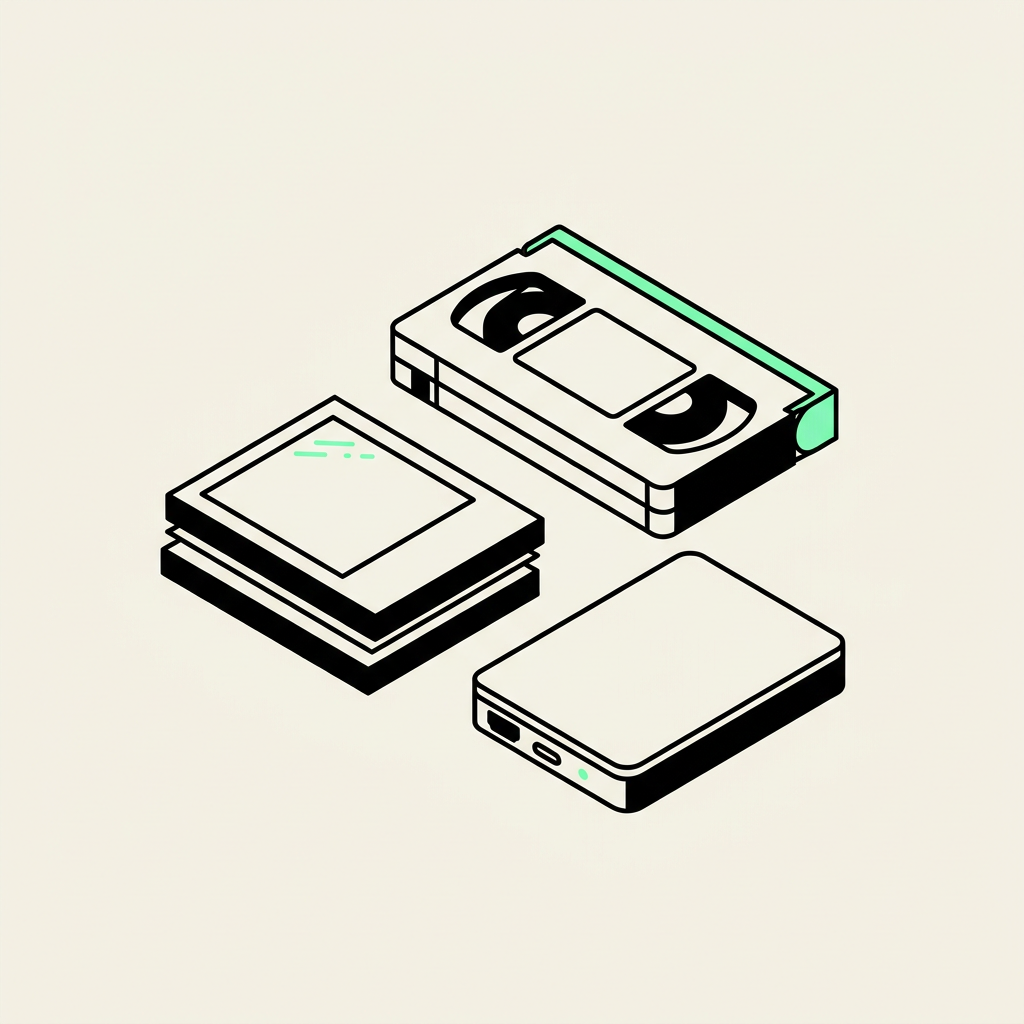
For most families, high-quality JPEG files for photos, MP4 files with H.264 video for movies, and MP3 files for everyday audio listening are practical choices. If you also want files suited to future editing or preservation, ask about TIFF images and WAV or FLAC audio, and discuss video master-file options before the transfer begins. These are recommendations to discuss with your digitizing studio, not a list of guaranteed delivery options.
Choose files around how you will use them
The best choice depends on whether you want to email a photograph, watch a home movie on a television, make a memorial slideshow, or edit a family documentary. You may benefit from two versions: a higher-quality master you keep unchanged and a smaller copy for everyday use.
Before bringing a box to a Chandler digitizing studio, explain your intended use. “I want my siblings to watch these on their phones” gives more useful direction than “I want everything digital.” Mention any editing software or older devices you need the files to work with.
Photos and prints: JPEG for convenience, TIFF for flexibility
JPEG is usually the easiest photo format for sharing, photo books, and ordinary reprints. It opens on almost every phone and computer, and high-quality JPEGs can look excellent. The trade-off is lossy compression: some image information is discarded to reduce file size.
TIFF can retain an uncompressed or losslessly compressed scan, making it useful for substantial restoration and repeated editing. Files are larger, and some sharing apps do not handle them conveniently. Converting an existing JPEG into TIFF does not restore information already lost.
Resolution matters separately from file type. For many small family prints, a 600 ppi scan is a useful starting point when enlargement or cropping is planned. A 4-by-6-inch print scanned at 600 ppi produces about 2,400 by 3,600 pixels. Ask for the actual pixel dimensions rather than relying only on the word “high-resolution.”
Slides and negatives: capture detail before making sharing copies
A 35mm slide or negative holds its image in a much smaller area than a print, so it needs a higher scanning resolution. Around 3,000–4,000 ppi is a reasonable specification to discuss for detailed 35mm scans, although useful detail depends on the original, scanner, and focus.
Ask whether TIFF delivery is available if you expect extensive color correction or restoration. JPEG copies are convenient for browsing and sharing. For negatives, confirm that delivered images will be positive, viewable pictures rather than scans that still show reversed tones or an orange color cast.
Also clarify whether cropping and basic color adjustments are included. Those decisions can affect the result as much as the file extension.
Videotapes and DVDs: ask what is inside the MP4
MP4 is a container, not a complete quality specification. An MP4 containing H.264 video and AAC audio is widely compatible with modern computers, phones, and many televisions. Compatibility still varies by device and encoding settings.
- VHS and analog Hi8: These are standard-definition sources. Saving them as 1080p does not create detail the tapes never contained.
- Digital8: Ask whether the recorded digital signal can be transferred directly when the tape and equipment support it, rather than passing through an unnecessary analog conversion.
- DVD-Video: The video is already digital and compressed. Ask whether the goal is a convenient MP4 viewing copy, preservation of the original disc contents, or both.
Request the original picture proportions. Many older recordings are 4:3 and should not be stretched to fill a widescreen display. For interlaced videotape, competent handling of motion is important; a sharp-looking paused frame does not tell you whether movement will play smoothly.
8mm and Super 8 film: playback speed matters too
MP4 is also practical for watching digitized 8mm and Super 8 reels. However, film-transfer quality depends on capture resolution, focus, exposure, and how individual frames are handled—not simply the delivery format.
Ask how playback speed is determined. Home movies were filmed at different speeds, often 16 or 18 frames per second, with some shot at 24. Incorrect speed can make people move unnaturally. Preserve the original frame proportions, and mention any plans for editing before work begins so suitable delivery options can be discussed.
Audio cassettes and CDs: keep a master and a listening copy
WAV is a straightforward choice for uncompressed audio. FLAC preserves the same audio information using lossless compression, usually in less space. MP3 is smaller and convenient for listening, but it discards information.
For standard audio CDs, 16-bit, 44.1 kHz lossless files preserve the source audio without needing a higher sampling rate. For cassette capture, ask about the recording specification; 24-bit, 48 kHz is one option to discuss when editing is planned, but higher numbers cannot remove hiss or repair distortion.
For interviews and family messages, request clearly named tracks and explain whether you want long recordings split. Keep an untouched master before applying aggressive noise reduction.
Confirm delivery before you drop off or ship
Review the Phoenix Scanning services, then use the quote builder to describe your formats and goals. Confirm available file types, delivery method, and any additional costs before authorizing work.
For Phoenix and East Valley customers, drop-off and local pickup are available in Chandler, AZ 85224. Mail-in customers anywhere in the US can request free prepaid shipping labels. Call (480) 272-2447 Monday–Friday, 9am–5pm, to discuss your project.
Common questions
Do I need TIFF files for every family photo?
No. High-quality JPEGs are practical for sharing and ordinary reprints; TIFF is worth discussing for extensive restoration or a lossless scan master.
Is MP4 always high-definition video?
No. MP4 is a container that can hold video at different resolutions and quality levels. An HD-sized file does not add genuine detail to a VHS recording.
Should I choose WAV or MP3 for family recordings?
Keep WAV or FLAC as a lossless master when available, and use MP3 for convenient listening and sharing. Converting an MP3 to WAV cannot recover discarded audio information.
Can I request both master files and sharing copies?
Ask before the project starts. Available formats, storage needs, and any additional charges should be confirmed in your quote.