Digitize old photos and tapes yourself if you have a small collection, suitable equipment, and time to check the results. A professional service is usually the more practical choice for movie film, mixed tape formats, fragile originals, or a large collection you are unlikely to finish at home.
Start with a small test, not an equipment purchase
Before buying a scanner or hunting for a used camcorder, choose a representative sample: ten prints, one tape, or one disc. Complete the entire process, including capture, cropping or trimming, file naming, playback checks, and backup. That test reveals more than a scanner’s advertised speed.
For a Phoenix-area family with several boxes of mixed media, a hybrid approach often makes sense. Scan straightforward loose prints at home and send the film reels or camcorder tapes to a studio. You do not need to make one decision for the whole collection.
Which formats are realistic DIY projects?
Loose photo prints: a good starting point
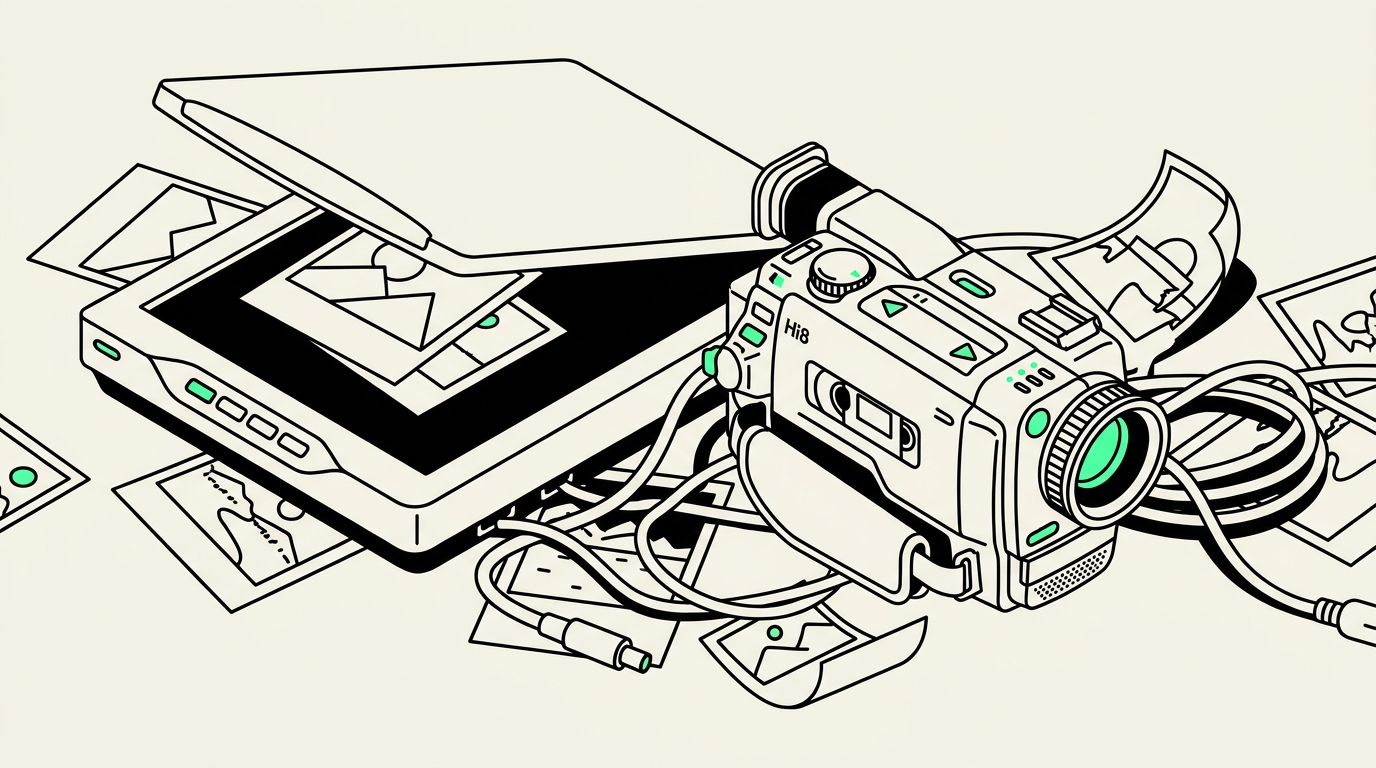
A flatbed scanner is a reasonable choice for clean, loose prints in sound condition. Around 600 pixels per inch is a useful starting point for small family photographs when you want room for cropping or modest enlargements. Higher settings cannot recover detail that was never in the original.
Keep the scanner glass clean, handle prints by their edges, and check that automatic cropping has not cut off faces or handwritten borders. Scanning the backs adds work but preserves names and dates. Avoid feeding brittle, curled, torn, or mounted photographs through an automatic document feeder.
35mm slides and negatives: more demanding
A scanner that handles paper photographs does not necessarily scan film. Slides and negatives require equipment designed to shine light through the image. Negative scanning also involves converting the tones and colors correctly; color negatives typically have an orange mask that needs appropriate correction.
A slide carousel may contain dozens of images, each needing orientation checks and dust attention. If you only have one carousel or a few negative sleeves, buying specialized equipment may be hard to justify. A larger collection can justify DIY equipment, but only if you enjoy the process.
DVDs and audio CDs: approachable if they still read
A computer with a compatible optical drive can often copy readable home-recorded DVDs or extract audio CDs. An audio CD should be extracted as audio tracks, not treated as a folder of ordinary files. For a home-video DVD, use software that converts the video into a playable file rather than simply copying its visible folders.
Check every title on a DVD; one disc can contain several recording sessions. Some recorder-made DVDs were never finalized and may need the original recorder or compatible equipment. Stop if a disc is cracked, and do not assume every read error can be fixed with cleaning.
Why tapes and movie film change the calculation
VHS, Hi8, Digital8, and audio cassettes
Analog videotapes need a compatible player, a capture device, and recording software. A VHS player alone does not create a digital file. Hi8 and Digital8 cassettes can look alike, but playback compatibility varies; not every Digital8 camcorder plays analog Hi8 recordings.
Tape capture generally happens in real time. Twenty two-hour videotapes can require about forty hours of playback before setup, troubleshooting, and quality checks. A worn player can also introduce problems or damage a tape that was otherwise playable.
Audio cassettes need a dependable deck and an appropriate computer audio input or interface. Record both sides, monitor levels to avoid clipping, and listen for speed problems or missing channels. Heavy noise reduction can remove parts of voices and music along with the hiss.
8mm and Super 8 movie film
Movie film calls for equipment that captures individual frames with controlled alignment and exposure. Pointing a phone at a projected image can produce flicker, uneven brightness, and distortion. It is not an equivalent substitute for a properly operated film scanner.
Old splices and brittle film also make transport through equipment a concern. Do not run questionable reels through an unfamiliar projector just to see what is on them. Mention any odor, brittleness, or broken splices before arranging a transfer, and ask how condition affects handling.
Compare the whole project, not just the scanner price
- Equipment: Include compatible players, adapters, capture hardware, cleaning supplies, and digital storage.
- Time: Count preparation, full tape playback, corrections, and checking—not only the initial scan.
- Quality: Compare readable details, natural color, complete recordings, and synchronized sound rather than file size alone.
- Risk: Irreplaceable recordings deserve more caution than duplicate prints or replaceable commercial discs.
A useful compromise is to request a small professional batch before committing everything. Ask whether sample work is available, how originals are tracked, what files you will receive, and whether the quoted scope includes all tape recordings or disc titles. Do not assume every studio includes restoration or extensive editing.
Choose a practical route in the East Valley
Phoenix Scanning offers drop-off and local pickup in Chandler, AZ 85224, plus free prepaid shipping labels for mail-in customers nationwide. Review the digitizing services to match your materials, then use the quote builder to compare professional transfer with your DIY equipment and time costs.
For questions about a mixed collection, call (480) 272-2447 Monday–Friday, 9am–5pm. You can start with the formats that need specialized equipment and leave manageable photo scanning for home.
Common questions
What is the easiest old media to digitize myself?
Clean, loose photo prints are a good starting point with a flatbed scanner. Readable audio CDs can also be straightforward if you have a compatible drive and audio-extraction software.
Can I digitize videotapes without a working player?
No. A tape must be played on compatible equipment to capture its recording; a USB adapter alone cannot read it.
Does professional digitizing always improve picture quality?
No. Good equipment and careful handling can capture the available detail more faithfully, but they cannot restore detail that was never recorded. Ask whether correction or restoration is included.
Can I scan my photos myself and send only the tapes?
Yes. A hybrid approach lets you handle straightforward prints at home and use a service for tapes, slides, or movie film that need specialized equipment.