
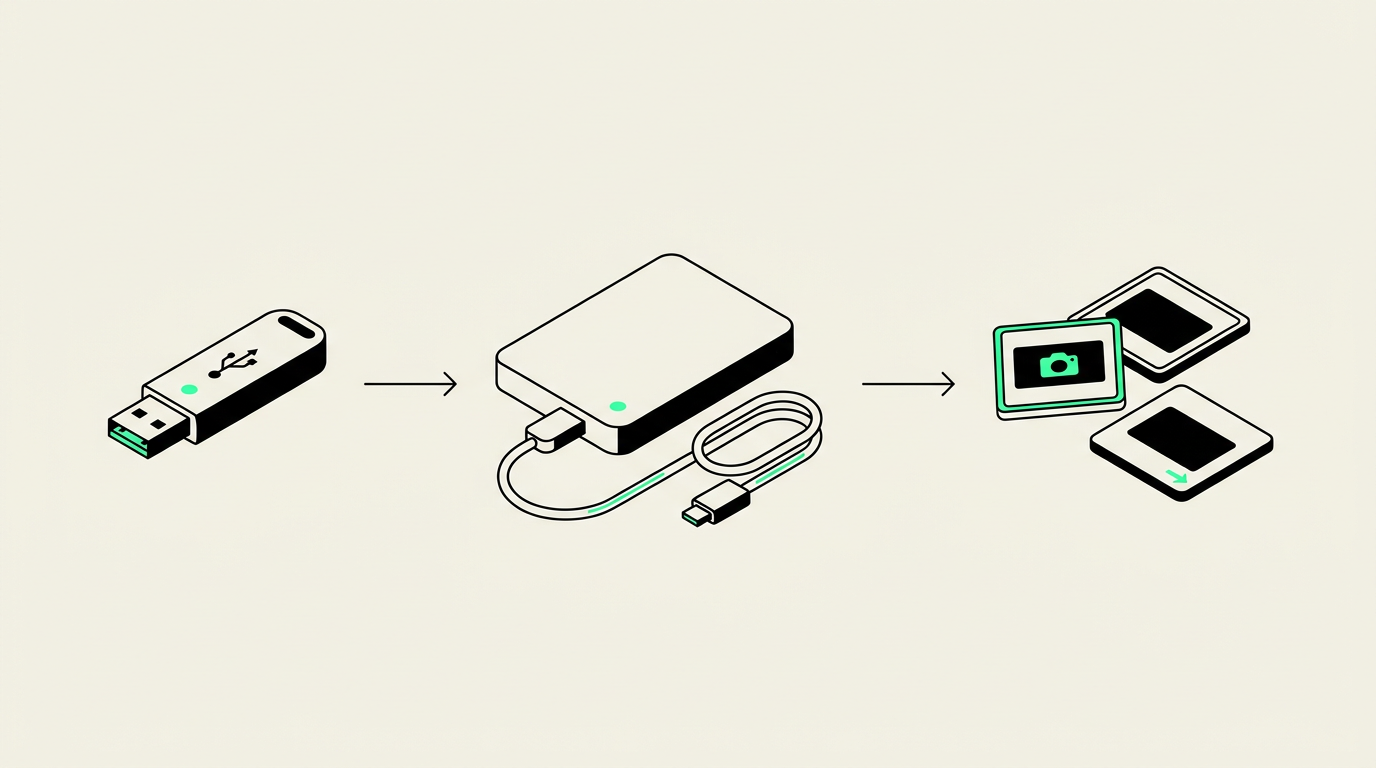
You can share digitized family photos, home movies, and audio privately through an invitation-only online folder or a USB drive handed directly to a relative. Keep your full archive separate, share only selected copies, and check access settings before sending a link.
Choose a sharing method your family will actually use
The best choice depends on who needs access and how comfortable they are with technology. A large video folder may work well for a relative with a computer and fast internet, but poorly for someone who only uses a phone.
- Invitation-only cloud folder: Useful for relatives in different households. Restrict access to specific email addresses and give viewers permission to view rather than edit. Depending on the service, recipients may need an account or an email verification step.
- Password-protected link: Convenient when available, especially with an expiration date. Send the password separately, and remember that recipients can forward both the link and password.
- USB flash drive: Practical for an in-person handoff and relatives who prefer offline access. Confirm that their computer has the right port before buying drives.
For a family spread between Chandler, elsewhere in the East Valley, and out of state, a combination often works best: a restricted online folder for most relatives and an offline copy for someone who needs it.
Separate the family archive from the sharing folder
Your full digitized collection does not need to be the collection everyone sees. Keep an untouched set of the delivered files, then create a separate folder containing only the material you want to distribute.
This matters because family collections often contain more than vacation pictures. A photo envelope might include medical images or paperwork. A camcorder tape may contain an argument after a birthday party. An audio cassette could include a private message recorded after the music ends.
Before sharing, review images at readable size and watch or listen to recordings through to the end. Ask living relatives before broadly distributing sensitive material involving them, particularly children or vulnerable family members.
If you trim a recording, crop a photograph, or remove identifying information, make the change to a copy. That preserves the original digital version while keeping the shared version appropriate for its audience.
Prepare sharing copies for each type of media
Photo prints, 35mm slides, and negatives
JPEG copies are usually easy for relatives to open on phones and computers. If your scanning project includes larger preservation files, keep those separately instead of requiring everyone to download them.
Put a manageable selection in each shared folder rather than sending thousands of images at once. Review scans of print backs before including them: handwritten notes can provide valuable context, but they can also contain addresses or personal information. For slides and negatives, check that any captions you add identify people accurately rather than presenting guesses as facts.
VHS, Hi8, Digital8, and DVD video
Long recordings create large files. A cloud service may need time to prepare a playable preview after upload, so test playback before announcing that the movies are ready. Some services preview only certain video formats or limit playback features.
If relatives have trouble opening a file, an MP4 sharing copy using H.264 video and AAC audio is commonly compatible with current devices. Ask about delivery options before digitizing; do not assume every project automatically includes every version you might need.
Use short excerpts for quick family viewing while retaining the complete recording separately. A two-minute graduation clip is easier to share than a tape containing several unrelated events.
8mm and Super 8 film
Many family film reels were recorded without sound. Tell recipients when a transfer is silent so they do not mistake that for a broken file. If you add narration or music, save it as a separate edited version rather than replacing the unaltered transfer.
Audio cassettes and audio CDs
MP3 listening copies are convenient for spoken family histories and other recordings, while larger preservation files can stay in your archive. Preserve the order of interviews or multitrack recordings so relatives can follow the story. Share family-owned recordings appropriately; digitizing a commercially released album does not grant permission to distribute it.
Test privacy settings, not just the link
A link that works is not necessarily a private link. Before sending it, check the service's current settings:
- Access is restricted to the intended people, not set to anyone with the link.
- Recipients cannot edit or delete your shared files unless you want them to.
- The folder contains only the selected sharing copies.
- Any available expiration date fits how long relatives need access.
Open the link in a signed-out browser to check whether an uninvited visitor can see the files. Then ask one invited relative to test it. Restricted access reduces accidental exposure, but it cannot prevent someone from photographing a screen or redistributing a downloaded copy.
Plan sharing before your digitizing appointment
Tell the studio whether your relatives will watch on phones, use computers, or need offline copies. Also ask how completed files are delivered, how download access is controlled, and how long any delivery link remains available.
Phoenix Scanning offers drop-off and local pickup in Chandler, AZ 85224, plus free prepaid shipping labels for mail-in customers nationwide. Explore our digitizing services or start with the quote builder. For questions about your project and intended sharing method, call (480) 272-2447, Monday–Friday, 9am–5pm.
Common questions
Is a shared cloud link automatically private?
No. A link set to anyone with the link can be forwarded and opened by unintended viewers. Use access restricted to specific people when available.
Can relatives view files without creating an account?
Sometimes, depending on the service and its sharing settings. A USB drive avoids online account requirements, although recipients still need a compatible device.
Should I email full-length digitized home movies?
Usually not, because full-length movies often exceed attachment limits. Send a restricted download link or provide an offline copy instead.
Can I stop relatives from copying shared photos?
Not completely. Download restrictions may discourage copying, but screenshots and other captures remain possible. Share sensitive material only with people you trust.