
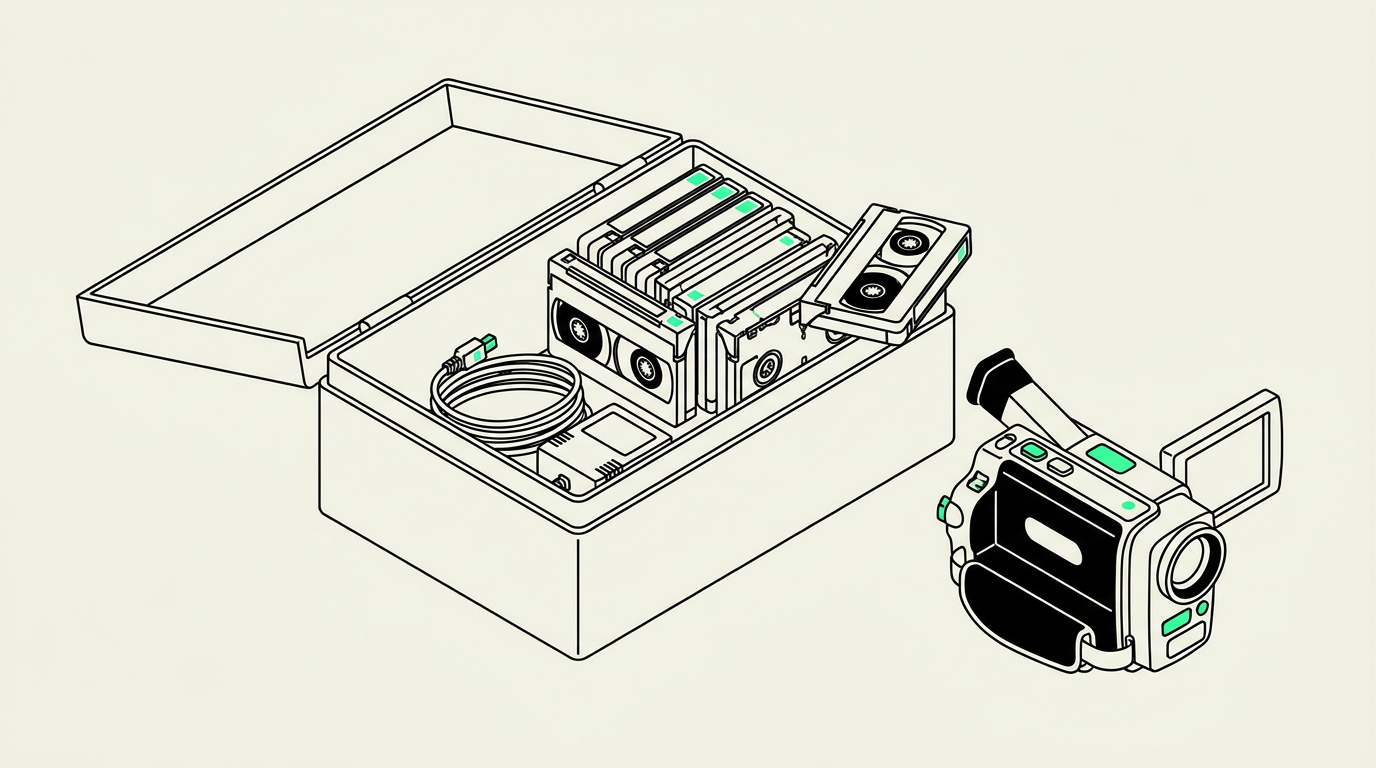
Yes, you can usually digitize old camcorder tapes without the original camera, as long as compatible playback equipment is available. The recording format matters more than the camera brand, and a professional transfer service can often supply the equipment you no longer have. Occasionally, an unusual recording or a tape recorded on a misaligned camera makes the original device helpful.
What you need instead of the original camera
A tape is not a storage drive you can connect directly to a computer. It needs a working playback machine that reads its recording format, plus the appropriate equipment to capture the picture and sound. A cable alone cannot replace that playback step.
For analog recordings, such as Hi8 or VHS, the playback signal must be converted to digital. Digital8 recordings are already digital on tape, but they still need compatible equipment to read and transfer them. In either case, having the cassette does not mean you need to find the exact camera model that made it.
If you are sorting a family collection in Chandler or elsewhere in the East Valley, start with the tapes themselves. Do not buy a used camcorder until you know what recordings you have and whether a transfer service can handle them.
Why compatibility matters more than the brand
Video8, Hi8, and Digital8
These formats use similarly sized 8mm video cassettes, but they do not all play in the same equipment. A Hi8 camcorder generally plays analog Video8 and Hi8 recordings, but it cannot play Digital8 recordings. Some Digital8 camcorders also play analog Video8 and Hi8 tapes; others do not.
The label on the cassette is a clue, not a complete answer. A cassette marked Hi8 may have been used to make a Digital8 recording. If you still have the camera, its model number can help establish what it recorded, even if the camera no longer turns on.
VHS and VHS-C
Full-size VHS recordings generally need a compatible VCR, not the original camera. Compact VHS-C tapes can often play in a VHS VCR using a suitable VHS-C adapter. Inspect the tape and adapter first rather than forcing a cassette into an unfamiliar mechanism.
A VHS-C adapter does not work with Hi8, Video8, or Digital8 tapes. Those formats need their own playback equipment. The similar appearance of small camcorder cassettes is a common reason families purchase the wrong adapter.
MiniDV and other small cassettes
MiniDV is a separate format and will not play in an 8mm camcorder. Recording modes can also affect compatibility: MiniDV LP recordings, for example, may play more reliably on the camera that recorded them. If your collection includes MiniDV or another format not specifically listed by a provider, confirm acceptance before dropping it off or mailing it.
When the original camcorder is worth keeping
If you still own the camera, do not discard it just because the battery is dead. A correctly matched power adapter may allow playback without a usable battery, although damaged equipment should be inspected before use. Never experiment with random power supplies that happen to fit the socket.
The original camera may be useful when a tape has tracking problems, unusual recording settings, or a recording made with a misaligned tape mechanism. It is not a guaranteed solution, but it can give a transfer technician another option.
- Photograph the camera's model label if it is accessible.
- Keep its matching power adapter and any specialized cables together.
- Note whether it powers on, plays normally, or has previously jammed.
- Ask the studio before bringing or shipping equipment with your tapes.
If a cassette is stuck inside the camera, do not pry it out. Tell the studio about the problem first so you can discuss inspection or an appropriate repair referral.
What not to do while checking your tapes
Avoid repeated test playback in an old, untested camcorder. Deteriorated belts, dirty mechanisms, and damaged tape paths can turn a playable recording into a tangled cassette. Stop immediately if you hear squealing, see loose tape, or notice the machine struggling.
Do not open cassette shells or touch the exposed tape to identify the format. If you see suspected mold or evidence of water damage, keep the cassette separate and request handling guidance before playback or shipping. You do not need to prove that every tape works before asking about digitization.
Arranging a transfer without buying equipment
Phoenix Scanning offers Hi8 / Digital8 and VHS & videotape transfers. Review the digitizing services, then use the quote builder with your approximate tape count. Mention uncertain formats, overseas recordings, or known playback problems; television standards and recording modes can affect equipment requirements.
For Phoenix-area customers, drop-off and local pickup are available in Chandler, AZ 85224. Call (480) 272-2447, Monday through Friday, 9am–5pm, to discuss what you have. Mail-in customers anywhere in the US can request a free prepaid shipping label. Confirm unfamiliar formats before sending them.
Common questions
Do I need the same brand of camcorder to play my tapes?
Usually not. Matching the recording format, television standard, and recording mode matters more than matching the brand.
Can a Digital8 camcorder play every Hi8 tape?
No. Some Digital8 models support analog Hi8 and Video8 playback, while others support only Digital8 recordings. Check the specific model's manual before testing a tape.
Can I connect a camcorder tape directly to my computer?
No. The cassette needs a compatible playback device and an appropriate capture or transfer connection; a USB cable or adapter alone cannot read it.
Should I bring my old camcorder with my tapes?
Ask the studio first. The camera may help with difficult recordings, but routine transfers usually do not require your original equipment.